Socialheads
•
Socialheads •
Overview and Problem Definition
Socialheads is a safe, youth-friendly messaging platform designed for social workers and young advisees. Unlike conventional tools (like WhatsApp or corporate email), it aims to balance professional boundaries, safeguarding protocols, and the familiar, empathetic communication young people require.
Data-Driven Problem Statement: An internal review in the social services sector indicated that 80% of social workers struggle to build trust with young clients. Simultaneously, 75% of young people find the current corporate tools used by their assigned workers to be 'cold and distant.' This communication fragmentation not only prolongs case management but leads to an estimated 30% loss of critical information across fragmented systems.
Hypothesised Success Metrics (Predicted Impact): To bridge this critical gap, the core objectives for Socialheads were defined:
Trust Index (Qualitative Metric): To increase the young advisees' Trust Score in their social worker on the platform to an average of 8/10 or higher.
Worker Efficiency: To reduce the average weekly time spent by social workers on case administration and fragmented tools by 15%.
Boundary Compliance: To ensure 100% of messaging platform usage remains within safe, professional boundaries (e.g., successful adoption of the after-hours auto-reply feature).

Deliverables
User research findings from interviews with psychiatrists, guidance counsellors, and social workers
Academic research summary on youth–social worker communication
Personas and empathy maps capturing user needs and pain points
User journey map highlighting critical interactions
Low-fidelity wireframes exploring potential solutions
High-fidelity UI designs of the platform
Interactive prototype for testing
Usability testing results and improvements

My Role
I served as the UX/UI Designer for the Socialheads project, with an active role in the Product Discovery phase. My contribution extended beyond the final UI design, focusing on the strategic decisions that balance security and youth engagement:
Dual-User Research: I led in-depth qualitative research with social workers, psychiatrists, and young people to analyze the needs of two opposing user groups (Security vs. Familiarity).
Defining Boundaries: Based on these insights, I helped define the solution space for features (like Auto-Reply and Visible Availability) that provide empathetic yet professionally bounded communication.
Design and Validation: I designed the platform’s UI and continuously refined the designs by conducting separate usability tests with 10 young users and 10 professionals to ensure security, simplicity, and user-friendly language.
Research Methodology & Key User Segment
Methodology: Dual-Sided Qualitative Discovery
The platform’s success hinged on balancing security and professionalism (Worker Side) with intimacy and familiarity (Young Advisee Side). To achieve this, I applied a Dual-Sided Qualitative Researchmethodology:
In-Depth Interviews: I conducted semi-structured interviews with 15 experts (psychiatrists, social workers) and 10 young advisees. This method was crucial for deeply understanding the emotional barriers and confidentiality concerns created by existing tools.
Academic Literature Review: I reviewed 10 academic articles on the ethics and reliability of digital communication in social work, establishing an Evidence-Based foundation for the design decisions.

In-Depth Interviews: I conducted semi-structured interviews with 15 experts (psychiatrists, social workers) and 10 young advisees. This method was crucial for deeply understanding the emotional barriers and confidentiality concerns created by existing tools.
Academic Literature Review: I reviewed 10 academic articles on the ethics and reliability of digital communication in social work, establishing an Evidence-Based foundation for the design decisions.

Boundary Management

Familiarity vs. Compliance
Administrative Fragmentation

Authenticity & Trust Barriers

Key User Segment (Worker Segment):
Analysis defined the core user segment as Experienced Social Workers with a High Administrative Load (Example: Katie, 30, Urban UK Social Worker). This segment's primary motivation is to reduce administrative clutter so they can spend more quality time building meaningful connections with young people. The platform's success relies on how well it simplifies Katie’s daily workflow.
Persona




Name: Katie
Age: 30
Job: Social Worker
Location: Urban UK
Pain Points
Hard to build trust with young people who are cautious and quick to judge.
Safeguarding duties often feel like breaking trust.
Too many fragmented tools → confusion, lost information, heavy admin.
Current platforms are clunky, overly corporate, and not youth-friendly.
Email and calls don’t work with young people, but WhatsApp isn’t secure enough.
Goals & Motivations
Provide timely support while protecting personal time.
Use youth-friendly digital channels that build trust.
Balance empathy with clear, transparent boundaries.
Have everything in one secure platform: messages, case notes, safeguarding logs, calendar, parent communication.
Reduce admin → spend more time on meaningful connections.
How We Can Help
Automated out-of-hours replies that are empathetic but firm.
Escalation flags to highlight high-risk messages for safeguarding.
Unified app: centralised messages, cases, logs, and scheduling.
Tools that feel secure, intuitive, and youth-focused.
Ideation
Solution
After-hours auto-replies – Pre-set empathetic messages like “I’m currently unavailable, here’s the emergency helpline…” to protect
boundaries while keeping support visible.
Visible availability times – Clear status indicators to set expectations.
Secure access – Biometric login, app lock, and protected chat history.
Leave-a-message flow – Young people can leave a message when the worker is unavailable.
Micro breathing tool – A 60-second guided screen for professionals to regulate before sessions.
Pre-scheduled meetings – Young people can book in-office sessions or video calls directly through the app.
AI-powered call summaries – Automatic summaries of video calls with key highlights for the social worker.
Case overview dashboard – Social workers can view quick summaries of each young person’s case.
Emergency safeguard button – One-tap escalation to safeguarding teams in urgent cases.
Peer & community support – Workers can connect with colleagues or support groups through a dedicated chat space, ensuring they don’t feel isolated.
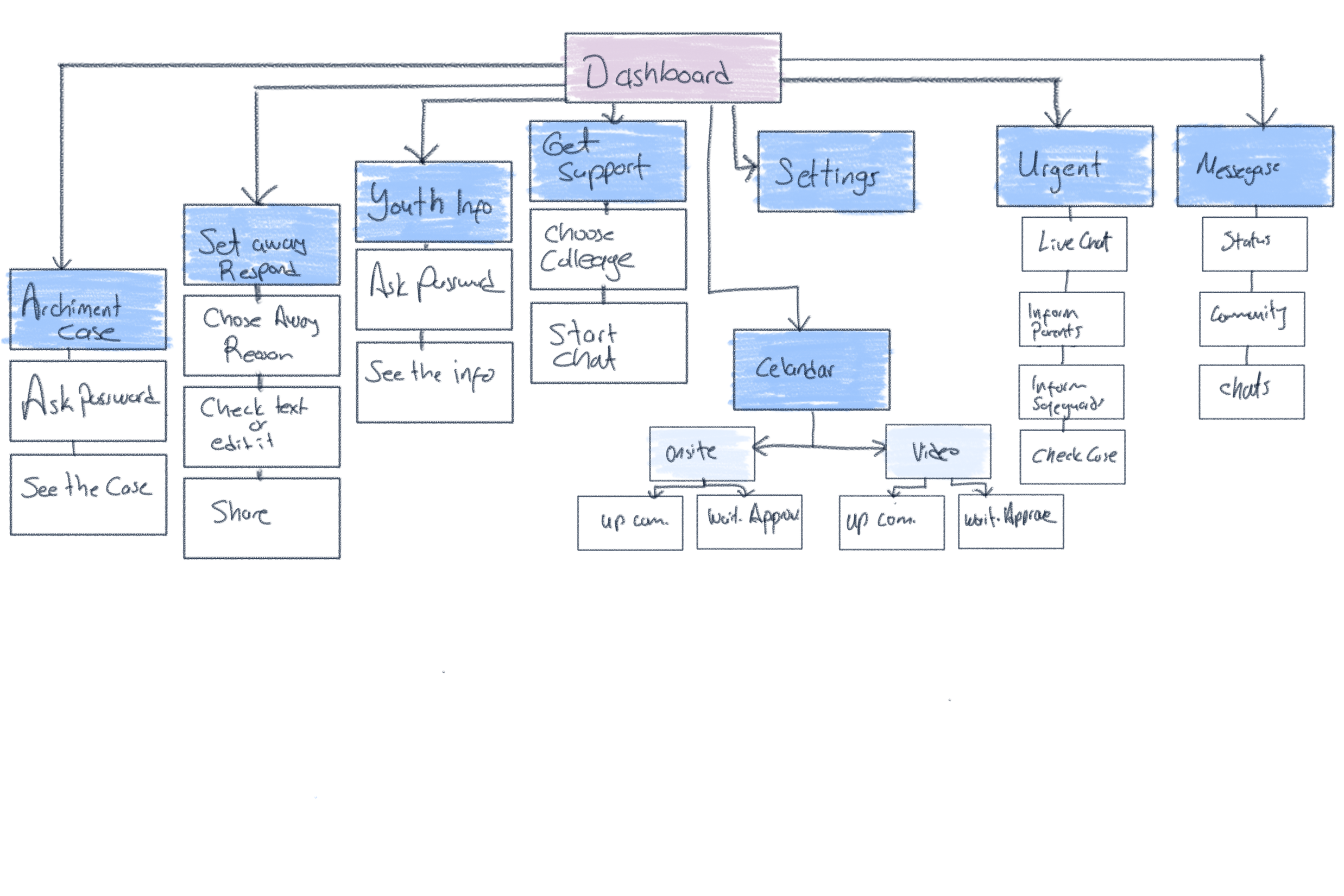
Artifacting mapping
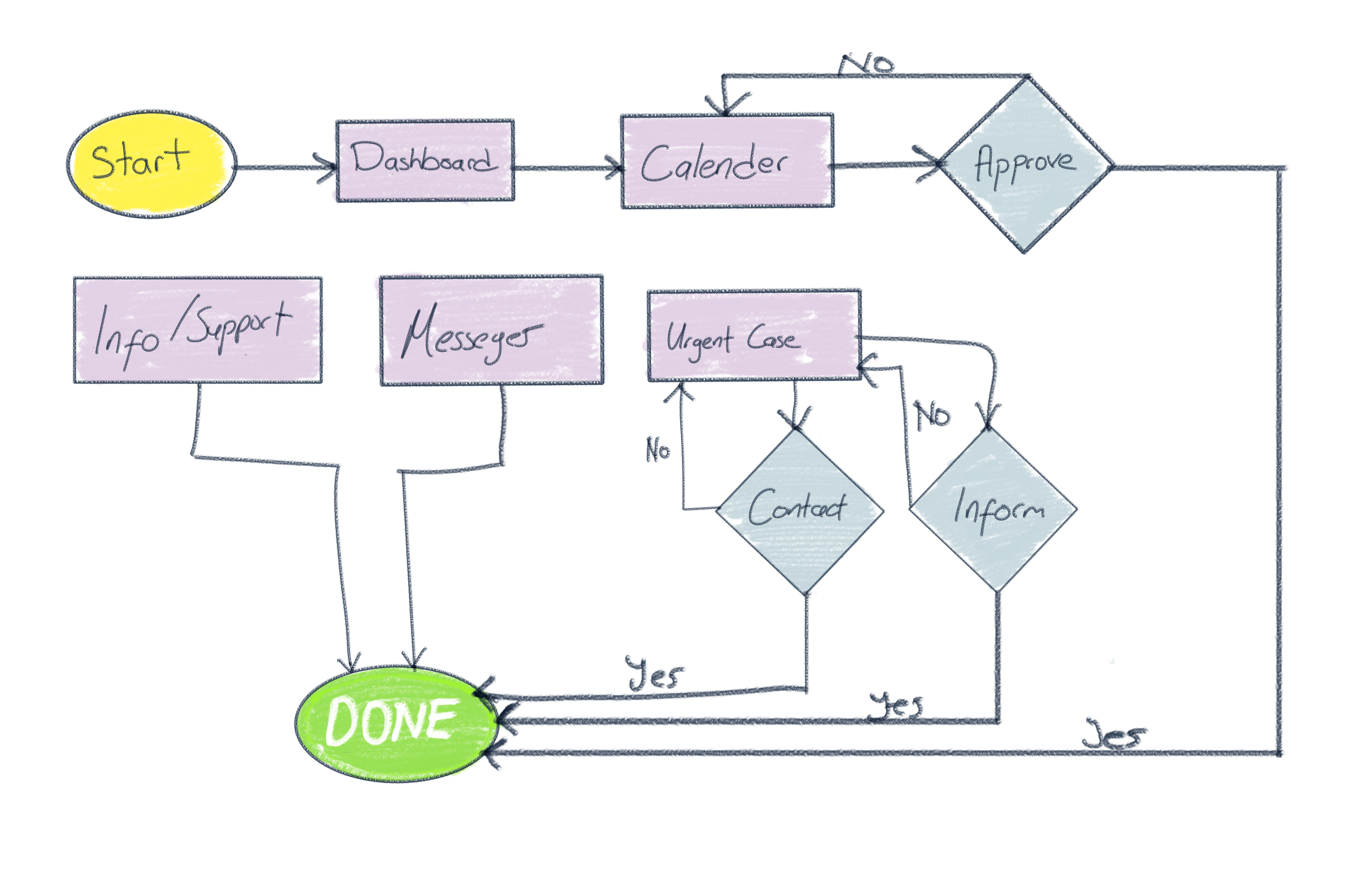
User Flows
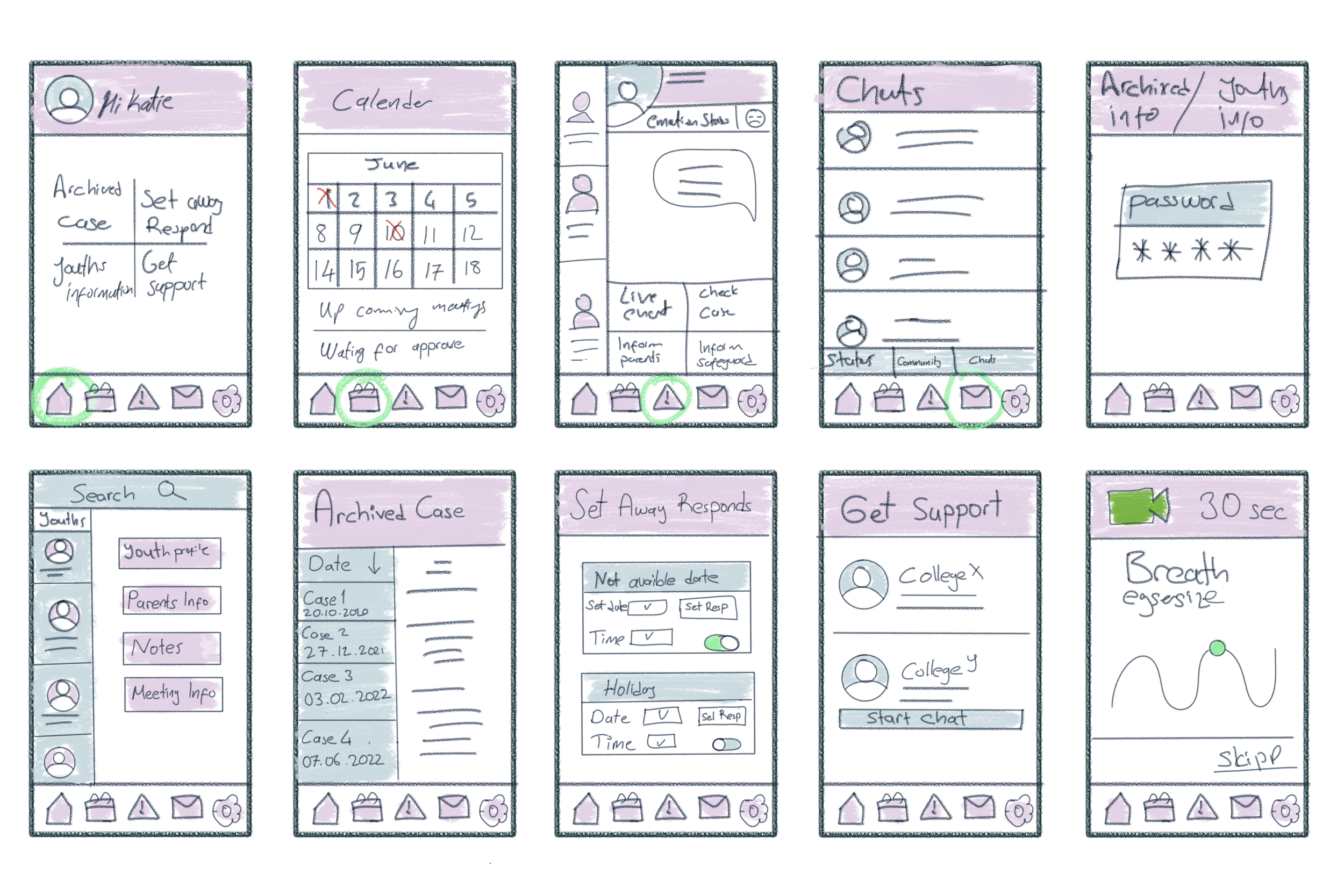
Sketching
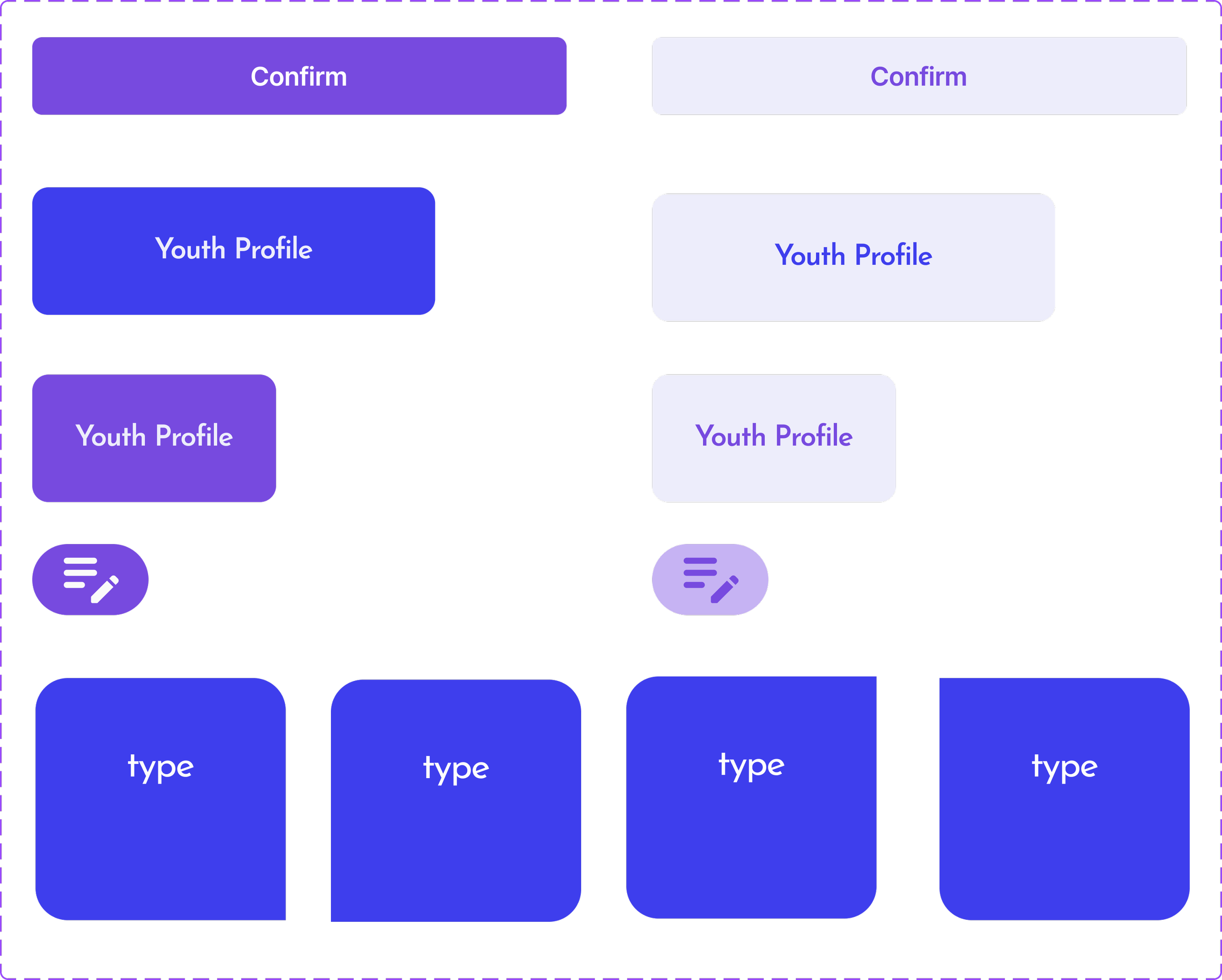
-Design System-
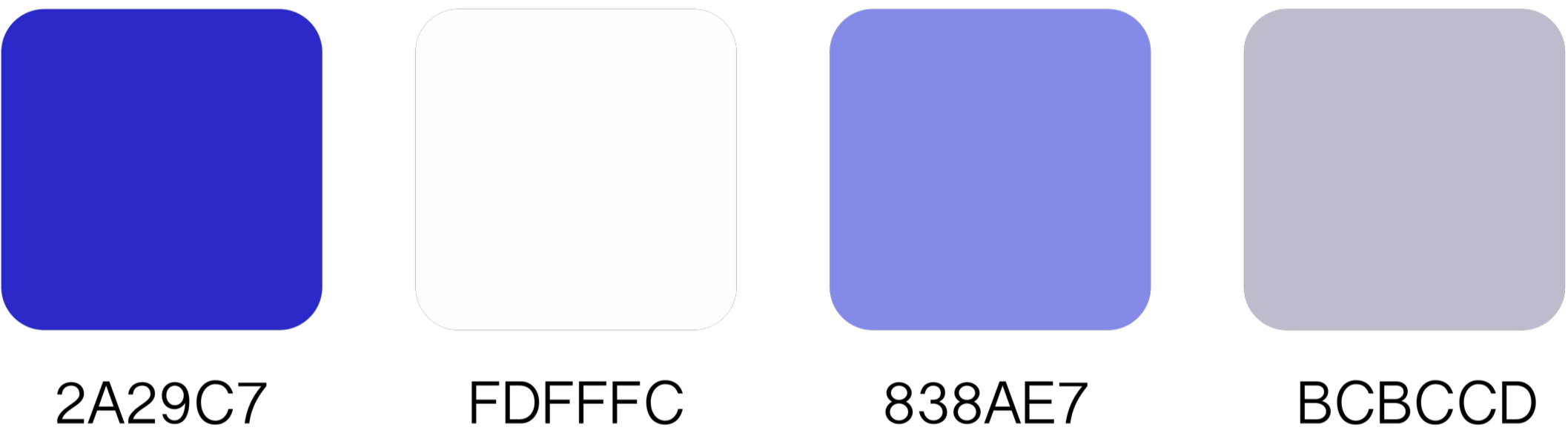
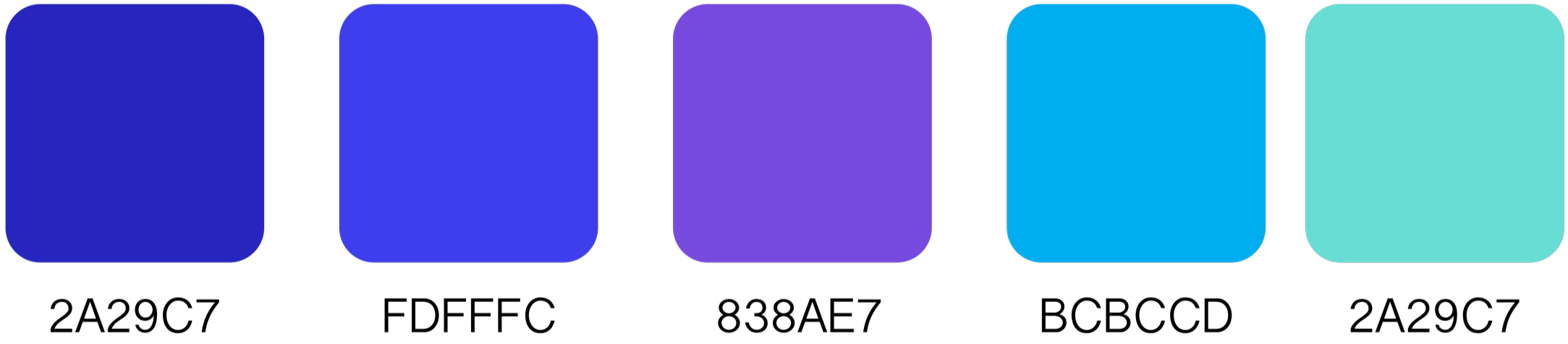
I defined the primary colors based on the existing logo palette. After that, I selected secondary colors that complement and harmonize with the primary tones. The goal was to create a consistent and youth-oriented design system.
By combining soft pastel primary colors with accent tones, I developed a modern and trustworthy aesthetic. I applied a dual typography system, using Josefin Sans for header and Montserrat for buttons and body text.
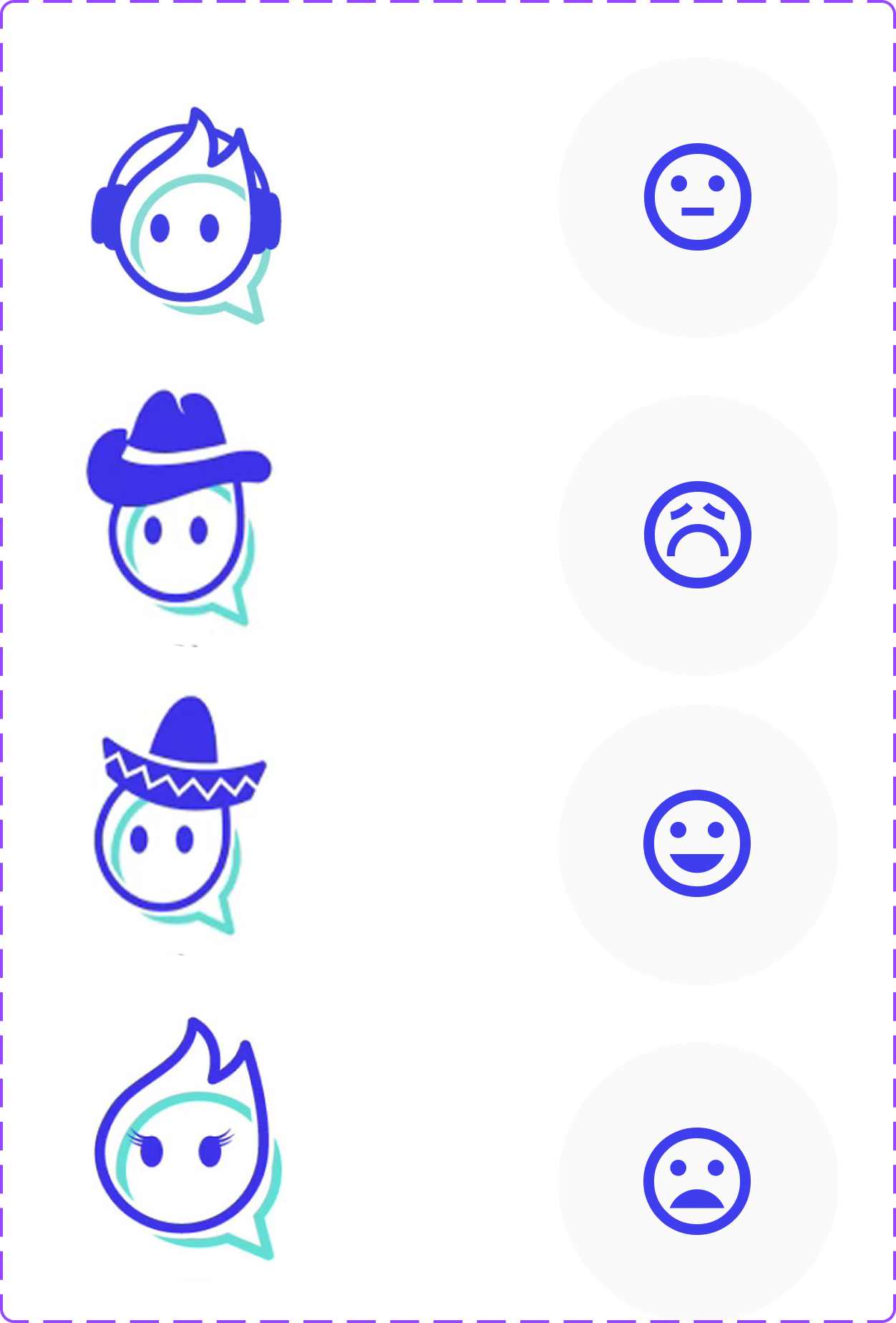
Additionally, I transformed the alternative logo designs into a customizable avatar library, allowing young users to express their individuality within the app.
Typography

Header Text- JOSEFIN SANS
Body Text- MONTSERRAT
Colour Palate
Primary Colours
Secondary Colours
Icons & Components

Learnings & Reflection
Reflecting on the "Socialheads" project emphasised the complexity of designing for dual, often conflicting, user groups within an ethical boundary.
Key Learning: Balancing Empathy and Protection: The most challenging yet critical insight was designing automated systems (like auto-replies) that needed to be firm in protecting boundaries but delivered in an empathetic tone to maintain the young person's trust.
Challenge: Simplifying the Complex: Reducing heavy, corporate case management tools into a simple, mobile-friendly interface required intense prioritisation, ensuring the Emergency Safeguard functionality was always accessible while remaining unobtrusive during standard chat.
Success: Evidence-Based Design: Grounding the design decisions in academic literature and expert interviews not just user preference was crucial in justifying the complex security features to stakeholders.
Next Steps & Future Scope
Should the Socialheads platform move forward, the following strategic steps would be prioritised to maximise its impact and validate the initial design hypotheses:
Phase 1: Validation & Optimisation (Live Metrics Focus):
-A/B Test: Run an A/B test on the onboarding sequence for young people to see which communication style (more formal vs. more casual) yields the highest initial Trust Score.
-Primary Live Metrics: Closely monitor the live performance of Worker Efficiency (time reduction in admin tasks) and Boundary Compliance (use of auto-replies) to ensure the system is supporting professionals as intended.
Phase 2: Feature Expansion (V2.0):
-Group Chat for Peer Support: Implement a secure, moderated group chat feature for young people, allowing for peer-to-peer support with an assigned supervisor.
Other projects


Follow me on social


Get in touch
Interested in working together? Fill out some info and I will be in touch shortly. I can’t wait to hear from you!
Result
Login
Dashboard
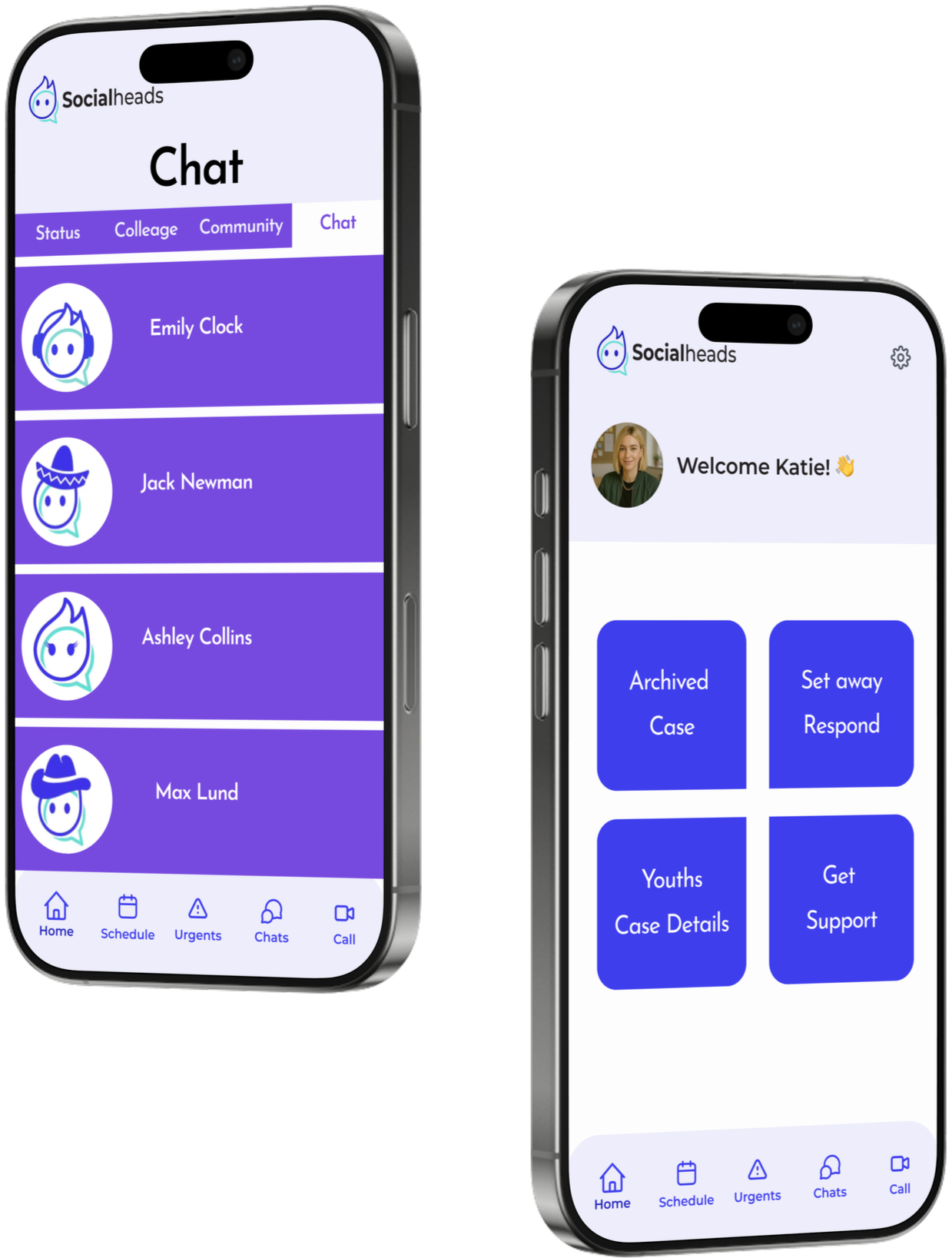
The dashboard features 4 main menus
Archived Case – Access to completed cases
Set Away Respond – Configure auto-replies when unavailable
Youths Case Details – View details of active cases
Get Support – Request help and support
Sensitive Access Lock
Youth Files Overview
Youth Profile Overview
The app asks social workers to enter their social worker password when viewing sensitive case files, adding an extra layer of security to protect personal data.
Users can view youth profiles in five sections, giving a clear snapshot of each youth’s details and history.
Schedule
The user can view upcoming meetings and see meetings that are awaiting approval.
Youth Action Card
Before the meeting, the user can quickly check the youth's file, send them a message through live chat, or start a direct video call.
Micro breathing tool
An optional guided breathing screen helps social workers reset and regulate before sessions, promoting calm focus and emotional readiness.
AI Generated summary
After the Call
After the video call, social workers can either continue the conversation with youth via live chat or review an AI-generated summary to revisit key discussion points.
In this section, you can view the details of the completed meeting, including AI-generated highlights, the full session summary, and additional notes.
Urgent Youth Messages for Social Workers
For example, if a youth urgently wants to speak with a social worker, they can send an ‘urgent’ message. In this case, a notification appears in the social worker’s menu, showing the message along with the youth’s emotional status and self-harm tendency level. The social worker can then take appropriate action based on the situation, or respond with a message only if deemed suitable.
Youth Updates & Communication
In the Chat section, users can monitor the status updates shared by youths, communicate directly with colleagues, or, if they are members, receive support from the Community
Social Worker Availability & Automated Messaging
Social workers can set their availability on the platform. If a youth sends a message, an automatic reply is sent. In urgent cases, the message triggers a notification to the social worker. Additionally, the 'On Holiday' section allows social workers to provide automatic guidance on whom youths should contact when they are unavailable.